How to Verify if a Texas Defensive Driving Course Is TDLR Approved and State-Certified (2025)
Not every course that claims to be "state approved" is actually certified. Texas courts reject certificates from unapproved providers every day — leaving drivers with dismissed tickets and wasted money. This guide shows you exactly how to verify a Texas defensive driving course is truly TDLR approved before you spend a single dollar
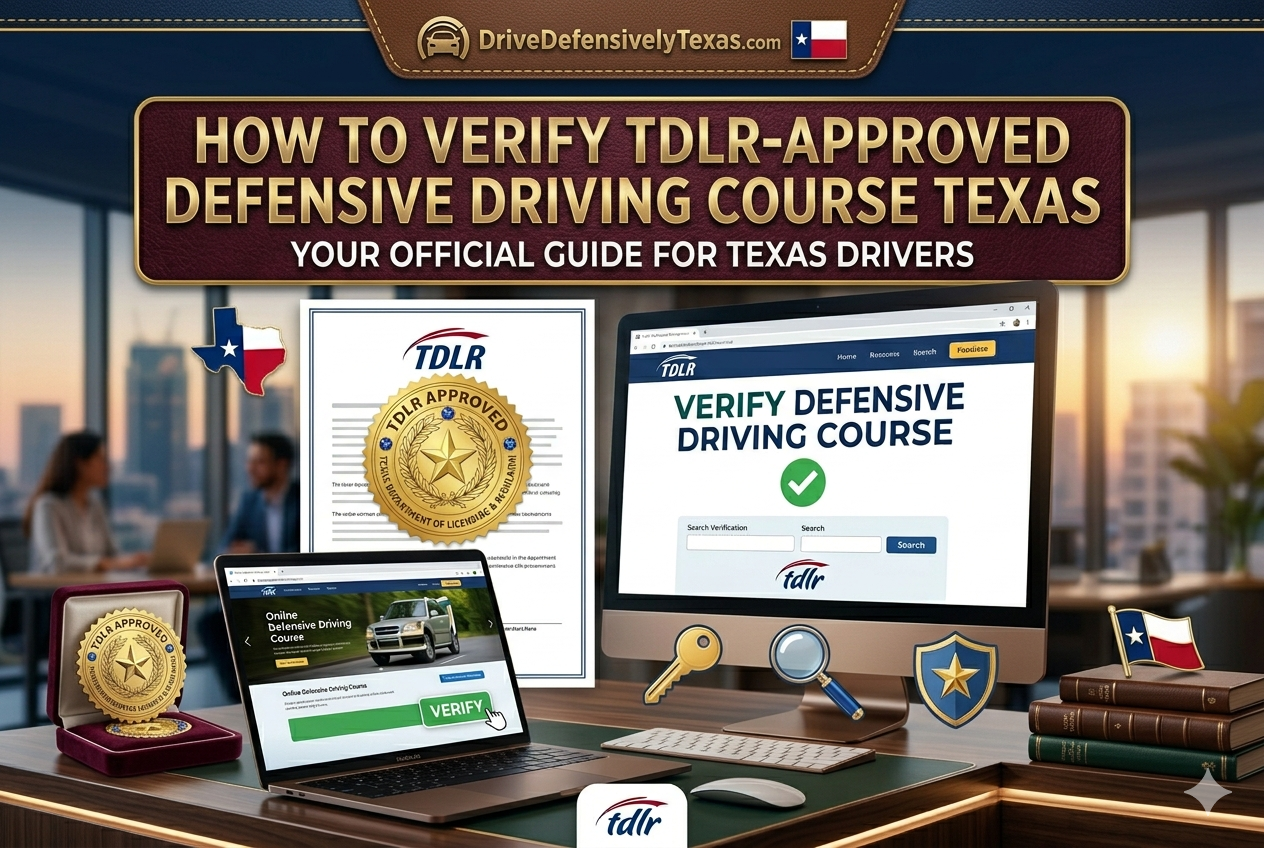
Go to the official TDLR license search at tdlr.texas.gov/dessearch, select “Driving Safety Course Provider,” search by the provider name or license number, and confirm the status shows “Active.” Any status other than Active means the course is not currently approved by Texas. Drive Defensively Texas is verified under TDLR provider number CP206.
Why You Must Verify Before You Enroll
The Texas Department of Licensing and Regulation (TDLR) is the only state authority that certifies defensive driving courses for ticket dismissal and insurance discounts. Courts across all 254 Texas counties only accept certificates from currently active TDLR-licensed providers.
Here is the risk if you skip verification: a court clerk will check your provider’s license status when you submit your certificate. If the provider’s license is expired, suspended, or was never issued, your certificate is rejected. You lose your 90-day dismissal window, and the ticket conviction goes on your permanent driving record — raising your insurance rates for up to three years.
Verification takes under two minutes using the official TDLR tool. It is always worth doing before registering for any Texas defensive driving course online.
The Official TDLR Search Tool — Step by Step
The Texas Department of Licensing and Regulation maintains a free public license search database. Here is how to use it to verify any defensive driving course provider:
- Go to the official TDLR license search
Open your browser and navigate to the TDLR’s official search tool.
Official URL:tdlr.texas.gov/dessearch
This is run by the Texas state government — not a third-party site. Make sure the URL showstdlr.texas.govin your browser address bar. - Select the correct license type
From the dropdown menu, select“Driving Safety Course Provider”. This filters results to only show TDLR-licensed defensive driving schools — not driver education programs or other license types.
- Search by provider name or license number
Type the name of the course provider — for example, “Drive Defensively Texas” — or enter their license number directly if you have it (e.g.,CP206). Then click Search.
Tip:If you get no results for a full name, try just the first word of the provider name. Some entries use the parent company name rather than the brand name. - Read the Status column carefully
The result will show the provider name, license number, license type, and — most importantly — theStatus. Only anActivestatus means the course is currently approved.
- Check the expiration date
Even if status is Active, confirm the license expiration date has not already passed. TDLR licenses are renewed periodically. An Active license with a recent renewal date gives you the most confidence.
Important:A license can show as Active in the database but may still expire before your certificate is processed. For courses you plan to complete over several weeks, check the expiration date.
TDLR License Search — Verify Any Provider Now
Free to use, updated in real time by the Texas Department of Licensing and Regulation. No account or login needed.
What Active, Expired, and Inactive Mean
When you search the TDLR database, you will see one of several status labels next to each provider. Here is exactly what each one means for your ticket dismissal:
| Status | What It Means | Certificate Accepted by Courts? |
|---|---|---|
| Active | License is currently valid. The provider is fully approved to issue TDLR certificates for ticket dismissal and insurance discounts. | ✓ Yes — safe to enroll |
| Expired | License was valid before but has not been renewed. The provider can no longer legally issue new TDLR certificates. | X No — do not enroll |
| Inactive | License has been voluntarily surrendered or placed on hold. Provider cannot legally issue certificates. | X No — do not enroll |
| Suspended | TDLR has formally suspended the license due to a violation. Provider is not authorized to operate. | X No — do not enroll |
| Not found | The provider does not exist in the TDLR database at all, or you may have searched under the wrong name. | ⚠ Verify name — may not be approved |
Already Verified? Start Your Course — $25
Drive Defensively Texas is TDLR-licensed under CP206. 100% online, accepted by all 254 Texas counties, same-day certificate delivery.
7 Red Flags That Signal a Fake or Expired Course
Beyond using the TDLR search tool, there are warning signs on provider websites that should make you pause before enrolling:
- ✗ No TDLR license number listed. Every legitimate provider should display their TDLR license number (format: CPXXX) clearly on their homepage or course page. If you cannot find it anywhere, that is a major red flag.
- ✗ Claims to be “state approved” without specifying TDLR. Phrases like “state approved,” “court accepted,” or “government certified” mean nothing unless they explicitly say TDLR and provide a verifiable license number.
- ✗ Guaranteed ticket dismissal — before court approval. No legitimate provider can guarantee your ticket will be dismissed. Dismissal depends on your court, your violation type, and your eligibility. Any site that promises dismissal upfront is being deceptive.
- ✗ Unusually low price below $25. Texas law sets the minimum course price at $25. Any course advertised below this price violates state regulations and is almost certainly not TDLR-approved.
- ✗No customer support contact information. TDLR-approved providers are required to maintain accessible customer service. If a website has no phone number, no email, and no live chat, be very cautious.
- ✗Certificate is emailed immediately — before you finish the course. A legitimate TDLR certificate can only be issued after you genuinely complete the required 6 hours. Any site that offers instant certificates before course completion is fraudulent and invalid.
- ✗ Website has no physical address or Texas connection. While courses can be taken online, the provider must be licensed in Texas. A site with no Texas address, no Texas business registration, or no mention of TDLR should be verified carefully.
✅ What legitimate providers look like: A proper TDLR-approved site will display their license number prominently, link to the TDLR search tool for verification, explain the 6-hour course requirement honestly, and have clear contact information and refund policies.
How to Verify a Certificate Number After Course Completion
If you have already completed a course and want to verify your certificate before submitting it to your court, the TDLR also provides a certificate validation tool:
Locate your certificate number
Find the certificate number printed on your completion certificate. It will contain a dash — the validation tool uses only the numbers after the dash.
Go to the TDLR certificate validation page
Navigate to
tdlr.texas.gov/dessearchand look for the “Validate a Certificate” section. Enter the numbers after the dash in the certificate number field.Confirm the result
A valid result will confirm the certificate was issued by an active TDLR-licensed provider. Courts can — and do — run this same check before accepting your submission. If a certificate does not validate, contact your course provider immediately.
ℹ️ Alongside your certificate, most Texas courts also require a certified Type 3A driving record from the Texas DPS. Get both in one place through Drive Defensively Texas to avoid last-minute delays before your court deadline.
CP206
TDLR License
Drive Defensively Texas — TDLR Provider CP206
Open the TDLR official search, select “Driving Safety Course Provider,” and search for CP206 or “Drive Defensively Texas.” You will see our Active status confirmed directly by the Texas government database.
Verify CP206 on TDLR.texas.gov →
Our TDLR-approved Texas defensive driving course meets all state requirements: 6 hours of content, identity verification, and secure certificate issuance. Every certificate we issue carries a unique TDLR-registered certificate number that courts can independently validate.
How do I know if a Texas defensive driving course is state certified?
Use the official TDLR license search at tdlr.texas.gov/dessearch. Select “Driving Safety Course Provider,” search by the provider’s name or license number, and confirm the status shows “Active.” This is the only official government verification method. Any site that says it is TDLR-approved should be verifiable in this database — if it is not there, do not trust it.
How do I check if a Texas driving school is approved by the state?
Go to the TDLR website (tdlr.texas.gov/dessearch), select the “Driving Safety Course Provider” license type, and search by the school name. You can also search by the license number (format CPXXX) if you have it. Active status confirms current state approval. Expired or Inactive means the school is no longer authorized.
What is the TDLR provider number for Drive Defensively Texas?
Drive Defensively Texas is licensed under TDLR provider number CP206. You can verify this instantly on the official TDLR search by entering CP206 in the license number field. Our Active status is publicly visible in the Texas state database.
Will a court accept a certificate from a non-TDLR approved provider?
No. Texas courts will reject any certificate from a provider not listed as Active in the TDLR database. Court clerks verify provider status before processing your dismissal. If your certificate is rejected, you lose your dismissal window, the ticket becomes a conviction on your driving record, and your insurance rates may increase for up to three years. Always verify before enrolling.
Can I verify my defensive driving certificate number after completion?
Yes. At tdlr.texas.gov/dessearch there is a certificate validation section. Enter the numbers after the dash on your certificate number to validate it. Courts use this same tool to confirm certificates before accepting them for ticket dismissal. It is good practice to validate your certificate yourself before submitting to your court, especially if you completed the course close to your deadline.
What is the difference between TDLR approved and TEA approved?
The Texas Education Agency (TEA) previously shared approval authority with TDLR for driving safety courses. As of recent years, TDLR is the primary certifying authority. Most courses display both TEA and TDLR approval for historical reasons, but what matters for your ticket dismissal today is an active TDLR license. Always verify current TDLR Active status — not just TEA approval.
Get Your Texas Ticket Dismissed — $25 Online
TDLR-approved, accepted by all Texas courts, same-day certificate. No hidden fees, no final exam — just 6 hours online at your own pace.
Drive Defensively Texas
TDLR-licensed defensive driving provider (CP206). This article is reviewed for accuracy against current TDLR licensing requirements and updated to reflect any changes in Texas DPS database procedures. All TDLR verification steps were confirmed working as of April 2025.